Setting up a photo booth at your Oahu wedding or event can feel overwhelming. You need to coordinate equipment, timing, space, and guest flow while ensuring every photo looks amazing. Many planners struggle with choosing the right setup or avoiding last-minute technical issues. This guide walks you through preparation, equipment selection, physical setup, and common pitfalls so your photo booth runs smoothly and keeps guests engaged throughout your celebration.
Table of Contents
- Preparing Your Event For A Successful Photo Booth Setup
- Choosing The Right Equipment For Your Photo Booth In Oahu
- Setting Up And Optimizing Your Photo Booth At Your Event
- Avoiding Common Mistakes And Ensuring Great Results
- Enhance Your Oahu Event With Professional Photography Services
- Frequently Asked Questions
Key takeaways
| Point | Details |
|---|---|
| Space and power requirements | Photo booth types need different space: classic open booths require 8’x8’x8’, 360 booths need 10’x10’x8’, and dedicated power outlets are essential. |
| Equipment quality impacts guest experience | Modern setups use 21-inch touchscreen monitors and DSLR cameras for intuitive interaction and superior image quality. |
| Logistics must be planned ahead | Coordinate load-in access, parking, elevators, and stable internet before setup day to avoid delays. |
| Contract clarity prevents issues | Carefully review service hours, setup times, deliverables, and extra fees to avoid misunderstandings. |
| Testing before guests arrive is critical | Pre-cleared space allows time to perfect lighting, camera angles, and touchscreen responsiveness. |
Preparing your event for a successful photo booth setup
Before the photo booth team arrives, you need to handle crucial logistics. Clear load-in paths, reserved parking or loading dock access, and elevator access are essential for timely setup, especially at Oahu venues with limited access. Multi-story locations require elevator coordination for heavy gear like lighting stands and backdrops.
Your venue needs a dedicated power outlet near the booth location. Extension cords create tripping hazards and voltage drops that damage equipment. Coordinate Wi-Fi credentials or hotspot availability for instant photo sharing, which guests expect at modern celebrations. Stable internet keeps cloud-based features running smoothly.
Pre-clear the photo booth area completely. Remove chairs, tables, and decor from the designated space at least 30 minutes before setup begins. This gives technicians time to test lighting angles and camera positions without rushing. Communicate backdrop and prop needs with your planner and florist so colors and themes align with overall event aesthetics.
Pro Tip: Create a venue contact sheet with phone numbers for facility managers, parking attendants, and security staff. Share this with your photo booth provider so they can resolve access issues quickly without involving you during setup.
If you need same-day event photo turnaround, coordinate this requirement during venue prep conversations. Quick delivery depends on smooth technical setup from the start.
Choosing the right equipment for your photo booth in Oahu
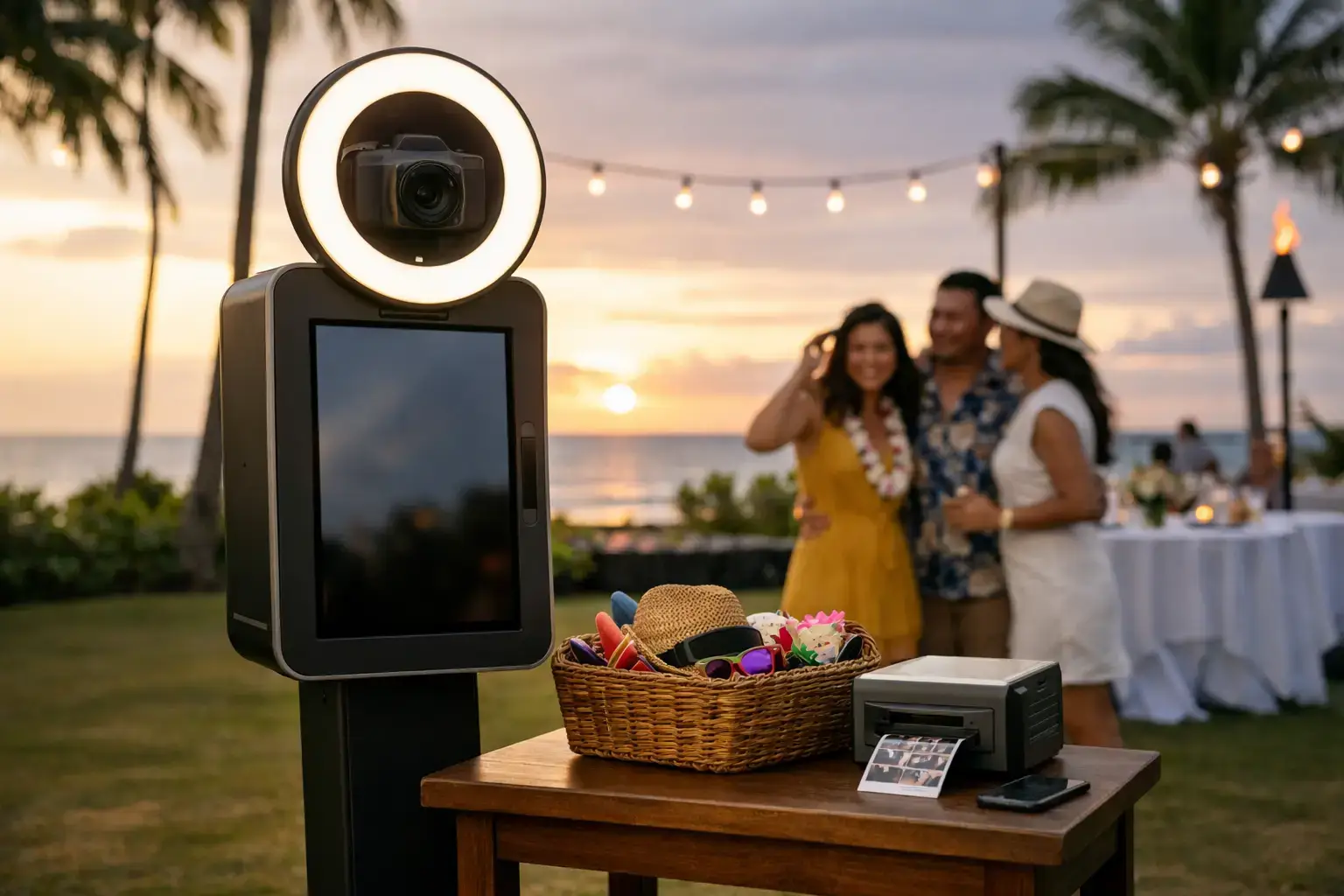
Equipment selection directly impacts photo quality and guest satisfaction. Touchscreen monitors are the most popular choice, with 21-inch displays in landscape orientation being ideal for intuitive guest interaction. Smaller screens frustrate users, while portrait orientation feels awkward for group shots.
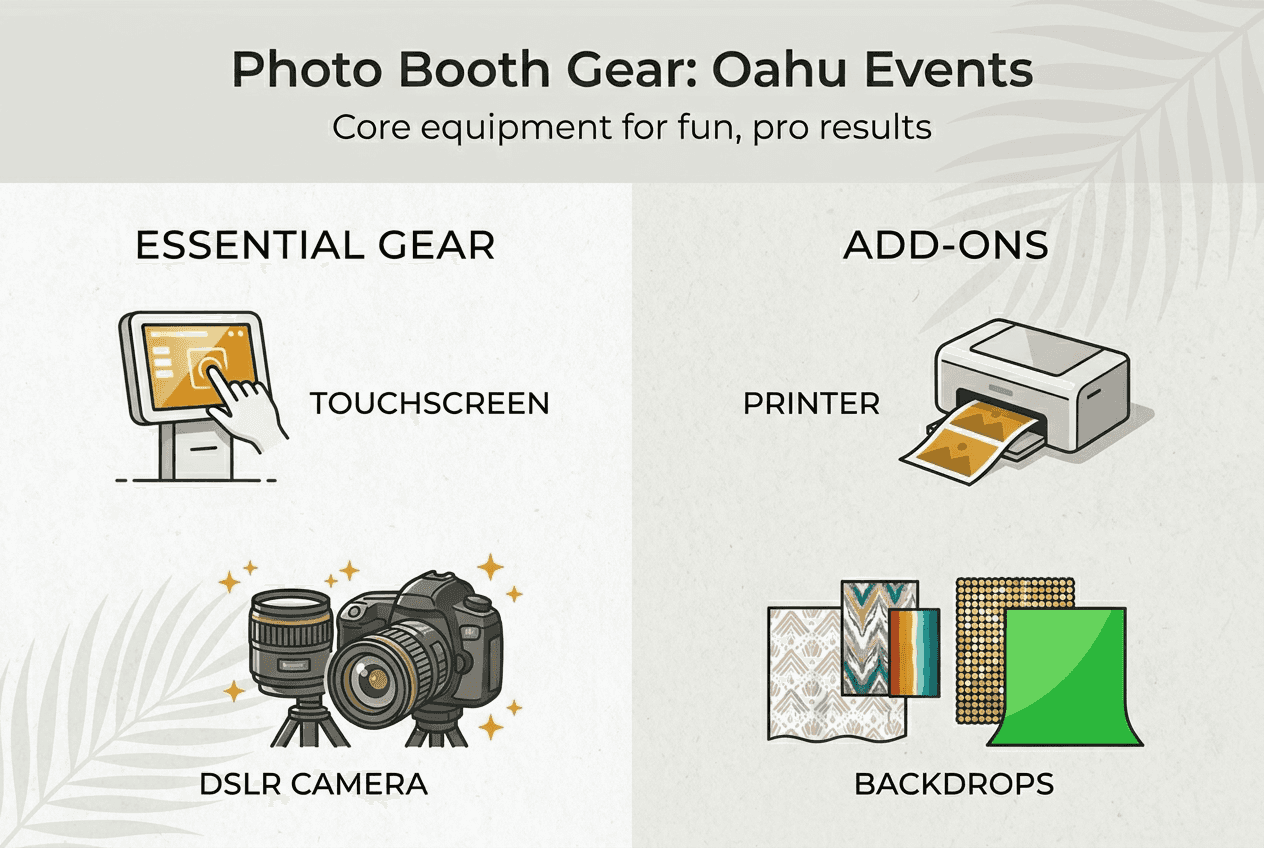
Camera choice matters significantly. DSLR or mirrorless cameras connected via HDMI capture cards deliver professional image quality that smartphones cannot match. Canon EOS models, Sony Alpha series, and Nikon Z cameras paired with Elgato Cam Link 4K capture cards provide excellent results. These setups handle low-light venues common in Oahu evening celebrations.
Cloud-based AI photo booths offer a simpler alternative. They require only a modern laptop with 8GB RAM minimum and stable internet, reducing hardware complexity dramatically. These systems process photos in the cloud, eliminating the need for powerful on-site computers. However, internet reliability becomes critical, so Ethernet connections work better than Wi-Fi at crowded venues.
| Equipment Type | Minimum Specs | Best For |
|---|---|---|
| Touchscreen Monitor | 21-inch landscape, capacitive touch | Guest interaction and session start |
| DSLR Camera | Canon EOS, Sony Alpha, Nikon Z series | Premium image quality |
| Capture Card | Elgato Cam Link 4K | Connecting cameras to computers |
| Laptop | 8GB RAM, GPU or DirectML support | Cloud processing and local software |
| Printer | Dye-sublimation instant printer | Physical keepsakes at weddings |
Instant photo printers add tangible value at weddings and upscale events. Guests love taking home physical prints as keepsakes. Dye-sublimation printers produce higher quality images than inkjet models and handle humidity better, which matters in Oahu’s tropical climate. Check photo booth prints quality standards before committing to a printer model.
Advanced features like hand gesture control require computers with GPU or DirectML support. These systems let guests trigger photos with hand waves, creating a touchless experience that feels futuristic and hygienic.
Pro Tip: Rent equipment for your first event before purchasing. This lets you test different camera and touchscreen combinations to find what works best for your typical venue types and guest demographics.
Setting up and optimizing your photo booth at your event
Physical setup requires methodical attention to space, stability, and lighting. Start by verifying your space meets dimensional requirements for your booth type. Classic open booths need approximately 8’x8’x8’, while 360 video booths require 10’x10’x8’ to accommodate the rotating camera arm and guest movement. Digital stations work in tighter 5’x5’ spaces.
Position the booth on a stable, level platform. Uneven floors cause camera shake and vibration in photos, especially with 360 booths. Use leveling feet or shims under equipment legs to eliminate wobble. Carpet and grass surfaces absorb vibrations better than tile or concrete.
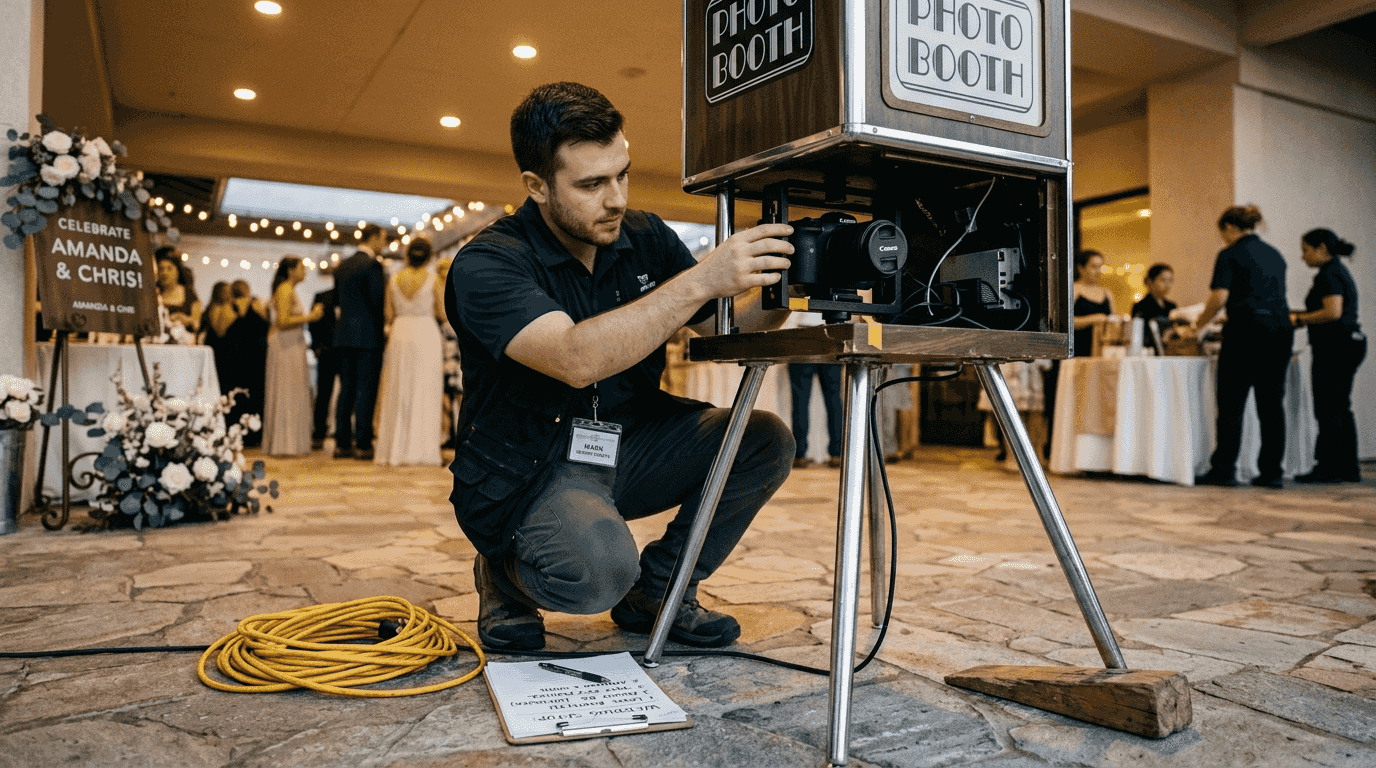
Lighting setup separates amateur from professional results. Arrange LED panels or ring lights to eliminate facial shadows and enhance skin tones. Position lights at 45-degree angles from the subject area, roughly 6 feet high. Test lighting with sample shots before guests arrive, adjusting intensity and direction until faces look natural and vibrant. Pre-cleared space allows more time to perfect angles and test lighting thoroughly.
Complete these steps in order:
- Verify power outlet function and voltage stability with a circuit tester.
- Position camera, touchscreen, and backdrop according to space layout.
- Connect all cables and secure them with gaffer tape to prevent tripping.
- Install and test lighting at multiple intensities for various skin tones.
- Configure Wi-Fi or hotspot connection and test upload speeds.
- Run test sessions with different guest counts to check framing and focus.
- Set up props table and guest flow barriers to manage congestion.
Guest flow planning prevents bottlenecks during peak hours. Position the booth away from bar and food service areas so guests can access it without blocking traffic. If your event expects over 100 guests, station an attendant to guide visitors and manage props. This keeps sessions moving and prevents awkward crowding.
Branded backdrops and curated prop collections elevate aesthetic quality. Choose backdrop colors that complement your event theme without clashing with guest attire. Oahu weddings often feature tropical or beach themes, so consider lush greenery backdrops or elegant white draping. Props should be Instagram-worthy, matching your event’s formality level.
Pro Tip: Create a backup power solution with a portable battery pack rated for your equipment wattage. Outdoor Oahu venues sometimes experience power fluctuations, and a battery backup keeps the booth running during brief outages without losing guest photos.
For additional guidance on capturing great moments, explore tips from an event photographer in Kapolei who understands Oahu venue lighting challenges.
Avoiding common mistakes and ensuring great results
Contract review prevents costly surprises and service gaps. Carefully review service hours, setup and teardown times, deliverables, and potential extra fees before signing. Many vendors charge overtime rates if your event runs past contracted hours, and these fees can double your cost. Clarify what happens if equipment fails mid-event and confirm backup plans in writing.
Poor lighting ruins otherwise perfect setups. Insufficient or harsh lighting creates unflattering shadows, washed-out faces, and inconsistent photo quality. Always test lighting with multiple skin tones and outfit colors before guests arrive. Adjust light position and intensity until every test shot looks vibrant and professional.
Space miscalculation causes guest discomfort and operational problems. Measure your designated area carefully and compare it against your booth type’s requirements. Insufficient space forces guests to squeeze together awkwardly or prevents proper camera angles. When in doubt, allocate 20% more space than the minimum recommendation.
“A quick skim of a contract can lead to headaches later. Take the time to read every line carefully and ask questions about anything unclear before committing.”
Avoid these frequent setup errors:
- Skipping full gallery reviews and judging quality from highlight reels only
- Positioning booths in high-traffic areas that block venue flow
- Using consumer-grade cameras that struggle in low light
- Forgetting to test touchscreen calibration before guest arrival
- Neglecting to coordinate booth aesthetics with overall event decor
- Overlooking internet bandwidth needs during peak usage hours
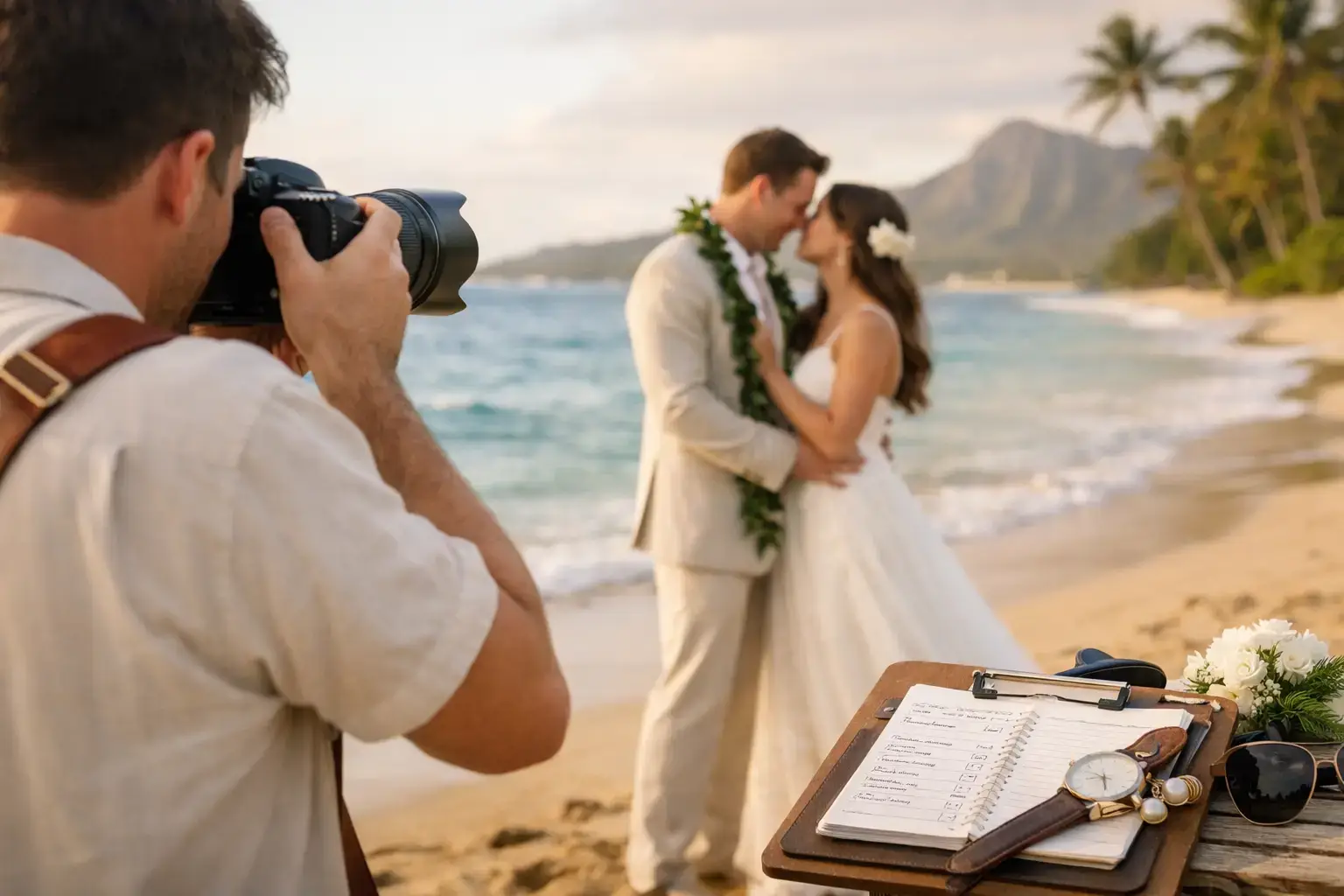
Keep a printed setup checklist during installation. This simple tool ensures you verify power connections, camera settings, internet access, lighting levels, and backup equipment before opening the booth to guests. Checklists prevent you from discovering missing items or configuration errors after guests start lining up.
Backdrop and prop coordination with your event designer creates cohesive aesthetics. Share your booth design plans with florists and decorators so colors and styles complement rather than clash. This attention to detail makes photo booth images feel integrated with your event’s overall look, increasing social media sharing.
For help selecting reliable vendors, review strategies for hiring event photographers in Oahu that apply equally to photo booth providers.
Enhance your Oahu event with professional photography services
Planning photo booth logistics alongside professional coverage can feel overwhelming. When you need expert support beyond DIY setups, consider partnering with teams who know Oahu venues intimately and coordinate seamlessly with photo booth operations.
Creative Media Production specializes in event photography across Oahu, from Honolulu to Kailua and beyond. Their experienced photographers work alongside photo booths to capture candid moments and formal portraits while ensuring your booth setup complements overall event aesthetics. They understand Oahu’s unique lighting challenges, from bright beach ceremonies to dimly lit reception halls.
Their team provides guidance on optimizing photo booth print quality and coordinating equipment placement for maximum guest engagement. Whether you need help choosing the right photographer or want comprehensive coverage that includes booth management, they offer tailored packages that simplify planning and deliver exceptional results.
Frequently asked questions
What size space do I need for a photo booth at my Oahu event?
Space requirements vary by booth type, impacting venue selection significantly. Classic open or enclosed booths typically need 8’x8’x8’, while 360 video booths require approximately 10’x10’x8’ for the rotating camera arm. Digital stations and film scanning setups work in smaller 5’x5’ areas, making them ideal for intimate Oahu venues with limited space.
How important is internet connectivity for photo booths?
Stable internet is crucial for cloud-based AI photo booths, with Ethernet strongly recommended over Wi-Fi for reliability. Cloud processing enables instant social media sharing and advanced AI features guests expect at modern events. Unstable connections cause processing delays, failed uploads, and frustrated guests who cannot access their photos immediately after sessions.
What should I look for when reviewing a photo booth rental contract?
Confirm setup and teardown times, service hours, deliverables, and any extra charges before signing anything. Ask vendors to clarify unclear terms and get backup equipment guarantees in writing. Verify what happens if technical issues arise mid-event and whether overtime fees apply if your celebration runs late. Clear contracts prevent disputes and ensure you receive exactly what you expected.
Can photo booths work at outdoor Oahu venues?
Yes, but outdoor setups require additional planning for power access, weather protection, and lighting control. Bring backup battery packs for locations without nearby outlets and use weighted stands to secure equipment against trade winds. Shade tents prevent harsh sunlight from washing out photos and protect gear from sudden rain showers common in Oahu’s tropical climate.
How far in advance should I book a photo booth for my Oahu event?
Book at least 8 to 12 weeks ahead for peak wedding season from April through October. Popular Oahu vendors get reserved quickly, especially for Saturday evening events at sought-after venues like beachfront locations and historic estates. Last-minute bookings often mean limited equipment choices and higher rush fees that strain your budget.